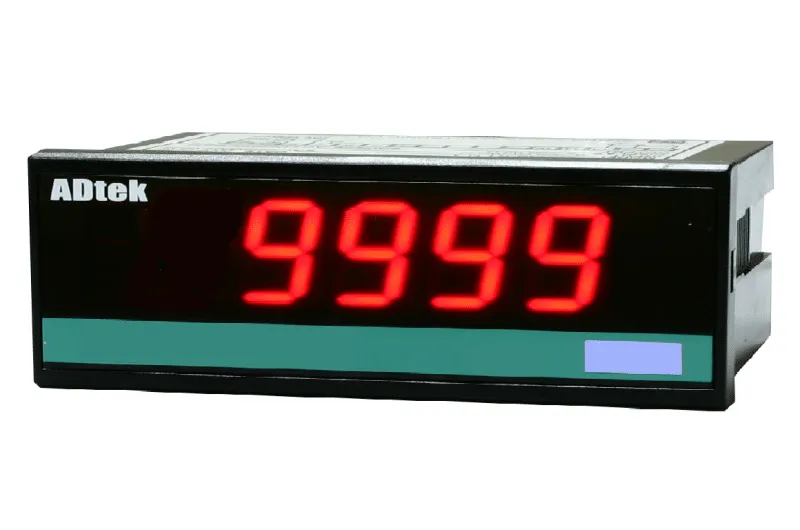
We had an enquiry from a customer who wanted a panel meter to display speed or line velocity for a piece of production machinery, picking up a pulse signal from a proximity switch or photoelectric sensor. They just wanted something simple to read the value on the panel – didn’t think there was much to it.
This looks simple, but a speed/velocity meter has to cope with whatever pulse frequency your sensor actually puts out, and that varies a lot depending on how many pulses per revolution your sensor or encoder generates, and how fast the equipment runs. Many meters need you to specify the input frequency range up front. The ADtek CM1-RL doesn’t – it takes a free input frequency from 1Hz to 6kHz and auto-ranges, so you don’t need to pin down the exact frequency band before ordering. You do still need to decide on your output requirement, though, because the CM1-RL ships with 2 of the following 3 options: 2 relay outputs, 1 analog output, or 1 RS485 (Modbus RTU) port – not all three together.
In actual application, the CM1-RL is a straightforward front-panel unit – a 20mm, 5-digit LED display in a housing only 72mm deep, so it fits into a shallow panel cutout without needing much room behind the panel. Display range and scaling are all set from the front keys, no need to open up the back of the unit, which keeps things simple for maintenance. It’s commonly used with proximity switches or photoelectric sensors for speed or line/wire-speed display, and where the RS485 output is fitted, for logging that data back to a PLC or SCADA system via Modbus RTU.
From our experience, before we quote this, we would normally check your pulse input source (proximity switch, photoelectric sensor, or encoder), and which 2 of the 3 outputs you need – relay, analog, or RS485 – since that determines the exact order code. Hope this helps.